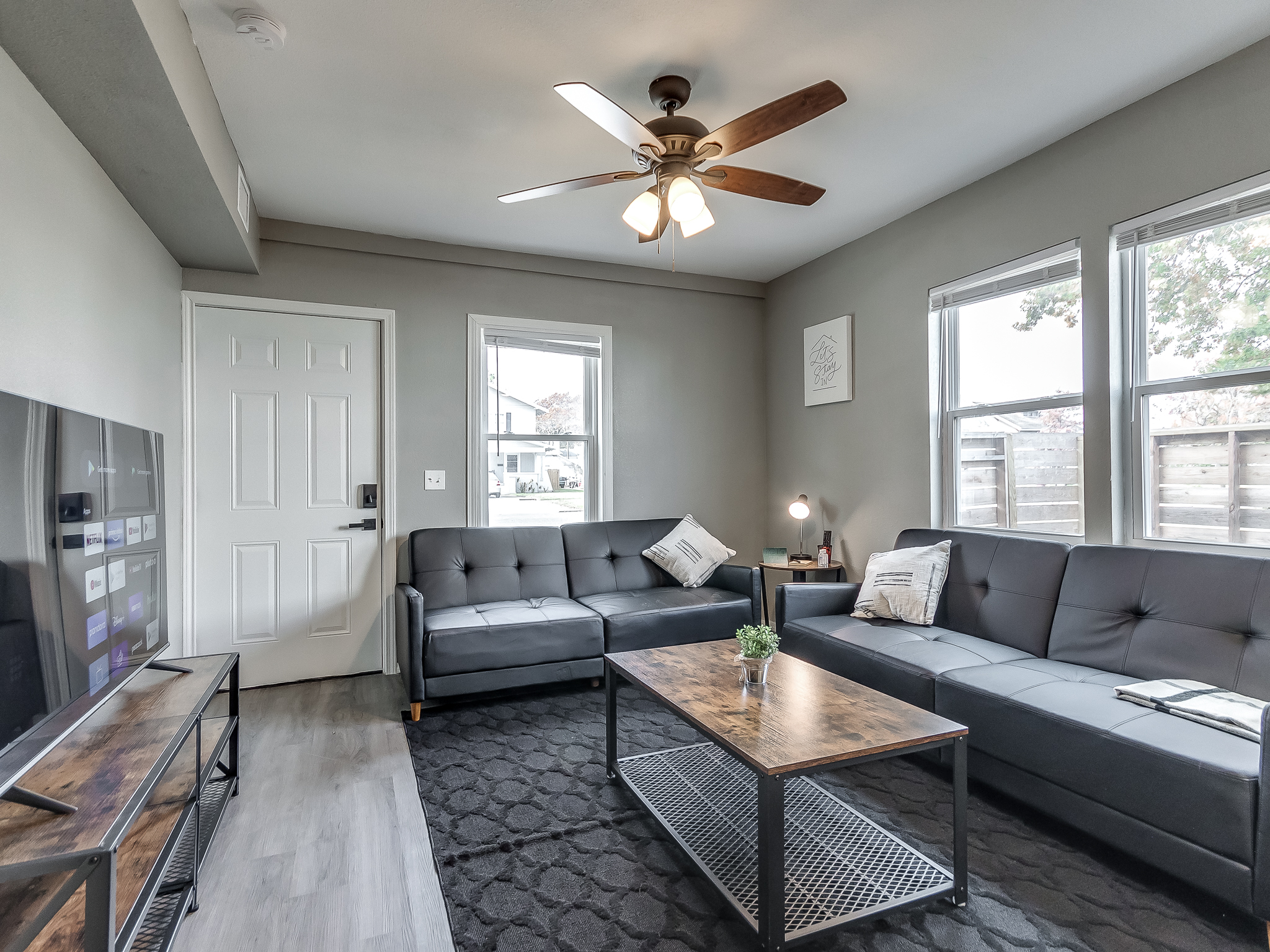
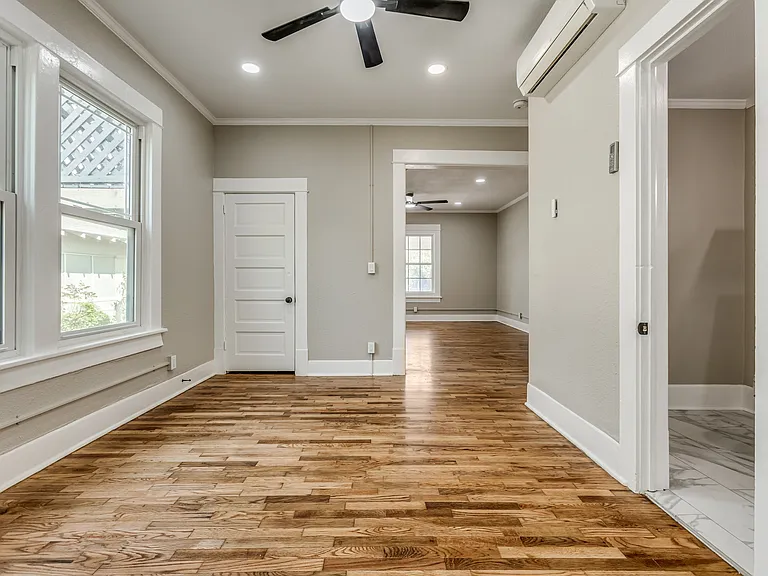
Booking a Bartlesville vacation rental directly starts with choosing the apartment that fits your visit. On Ascension Rentals' website, you can review the property photos and details, open its booking calendar and check the total for your dates before paying.
Use this guide for a weekend visit, a family trip or a longer furnished stay. Start with our short-term rentals in Bartlesville, or go to monthly furnished rentals if you need 30 nights or more.
1. Choose the specific apartment
Open the individual property page before starting a reservation. Check the bedroom, bathroom, guest limit, kitchen, parking and stair access. Similar names or photographs do not mean two apartments have the same layout or amenities.
For example, The Cozy Cottage lists a king bed, a kitchen with a dishwasher, Wi-Fi and smart-lock self-check-in. 724A Shawnee includes an in-unit washer and dryer. The Altitude Loft is an upstairs option limited to one guest.
Choose based on everyone who will stay, not only the number of people making the reservation. If you have a particular access or parking requirement, ask about it before checkout.
2. Open the calendar and enter your full dates
Select the booking button on your chosen listing, then enter your arrival date, departure date and guest count. Our individual furnished rentals have a two-night minimum. For a weekend, check both nights together; one open night does not mean the full visit is available.
If the dates do not produce a booking option, review the minimum stay and guest count, then try another apartment or ask us about your dates. A blocked date is not available to book through that calendar.
For a longer visit, enter the entire stay at once. The current monthly offer applies a lower nightly rate to qualifying stays of 30 nights or more. Check the extended-stay pricing for the details and current base rate.
3. Compare the complete price
As of October 9, 2026, our individual short-term apartments are listed with a $90 nightly base rate for stays below the monthly-rate threshold. Two nights therefore start at $180 for accommodation, before the cleaning charge, applicable taxes and other fees shown in the booking breakdown.
Use the final total for your exact dates when comparing options. Check these points before continuing:
- Have you selected the correct apartment and all the nights you need?
- Does the guest count match everyone staying?
- What cleaning charge, taxes and other fees appear?
- What amount is due now, and is there any remaining payment?
- Have you read the cancellation and date-change terms?
Direct booking gives you a way to reserve with Ascension Rentals through our website. It is still worth comparing the complete price and terms for the same property and dates wherever you are shopping.
4. Review the rules and complete checkout
Read the property's rules and the cancellation terms presented for your reservation. Our quiet hours are 9 p.m. to 9 a.m. Confirm any questions about guests, pets, parking or arrival arrangements before paying.
Complete the required guest and payment details in checkout. Use an email address you can access during your trip, and check that it is spelled correctly so you can receive your booking information.
Opening the calendar or sending an inquiry does not reserve the apartment. After completing checkout, look for the booking confirmation and review the apartment, dates and guest details. Keep the confirmation for reference.
5. Prepare for arrival
Follow the arrival instructions associated with your reservation and confirm the check-in time. Self-check-in does not automatically provide early access. If you expect to arrive late, clarify anything you will need before traveling.
If a confirmation email is missing, check your spam folder and contact us before trying to pay again. Include your name, apartment and dates so we can help identify the reservation; do not send payment-card details by email.
Ready to plan your stay?
Compare Bartlesville vacation rentals and check dates. For a work assignment or an extended visit, explore our monthly furnished apartments. You can also read our Bartlesville weekend guide for ideas to plan around your visit.